![Fyxt logo small white.png]](https://helpcenter.fyxt.com/hs-fs/hubfs/Fyxt%20logo%20small%20white.png?height=40&name=Fyxt%20logo%20small%20white.png)
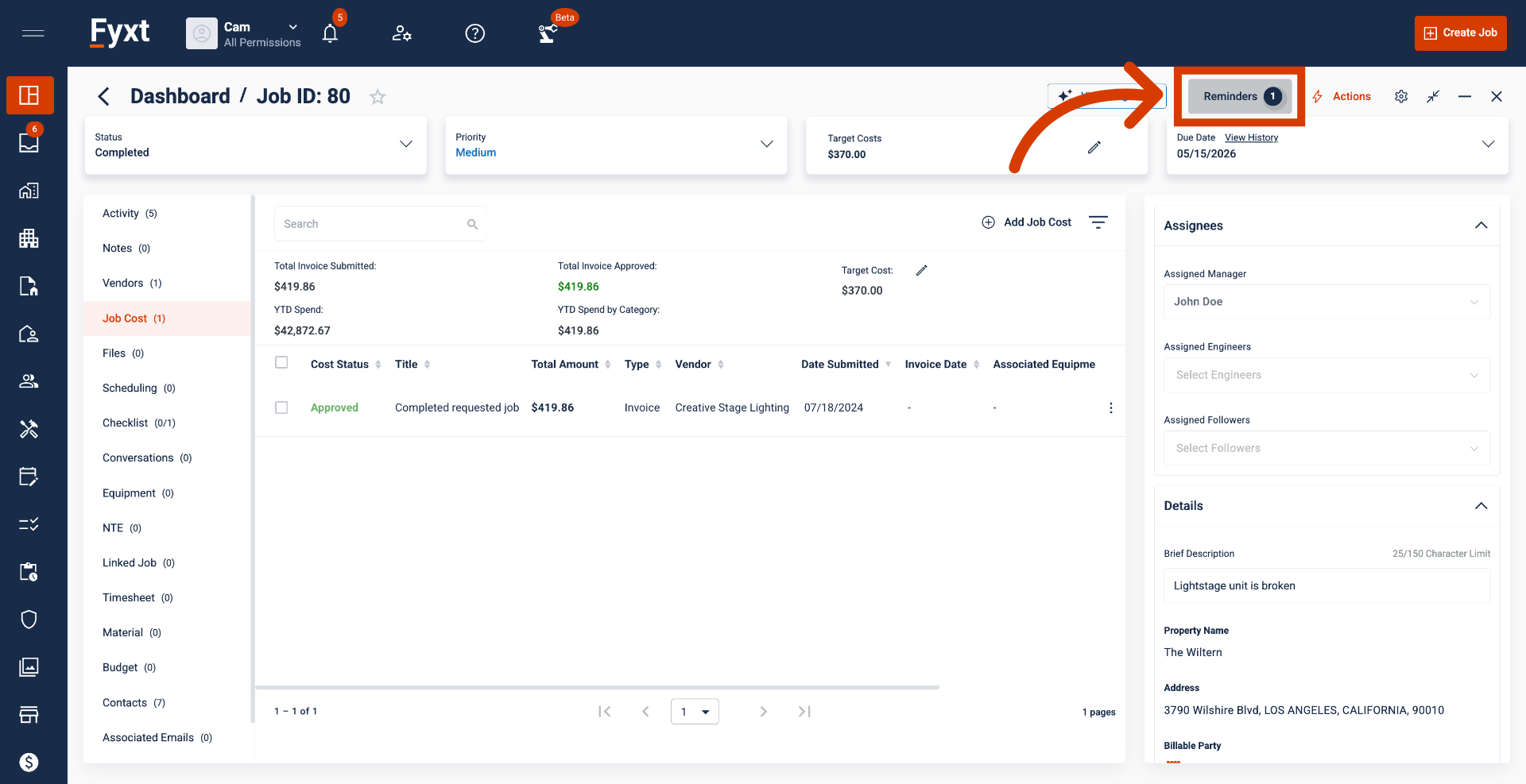
Creating Reminders: Jobs
This article explains how to create reminders on any date field in Jobs.
1. Reminders on Date Fields
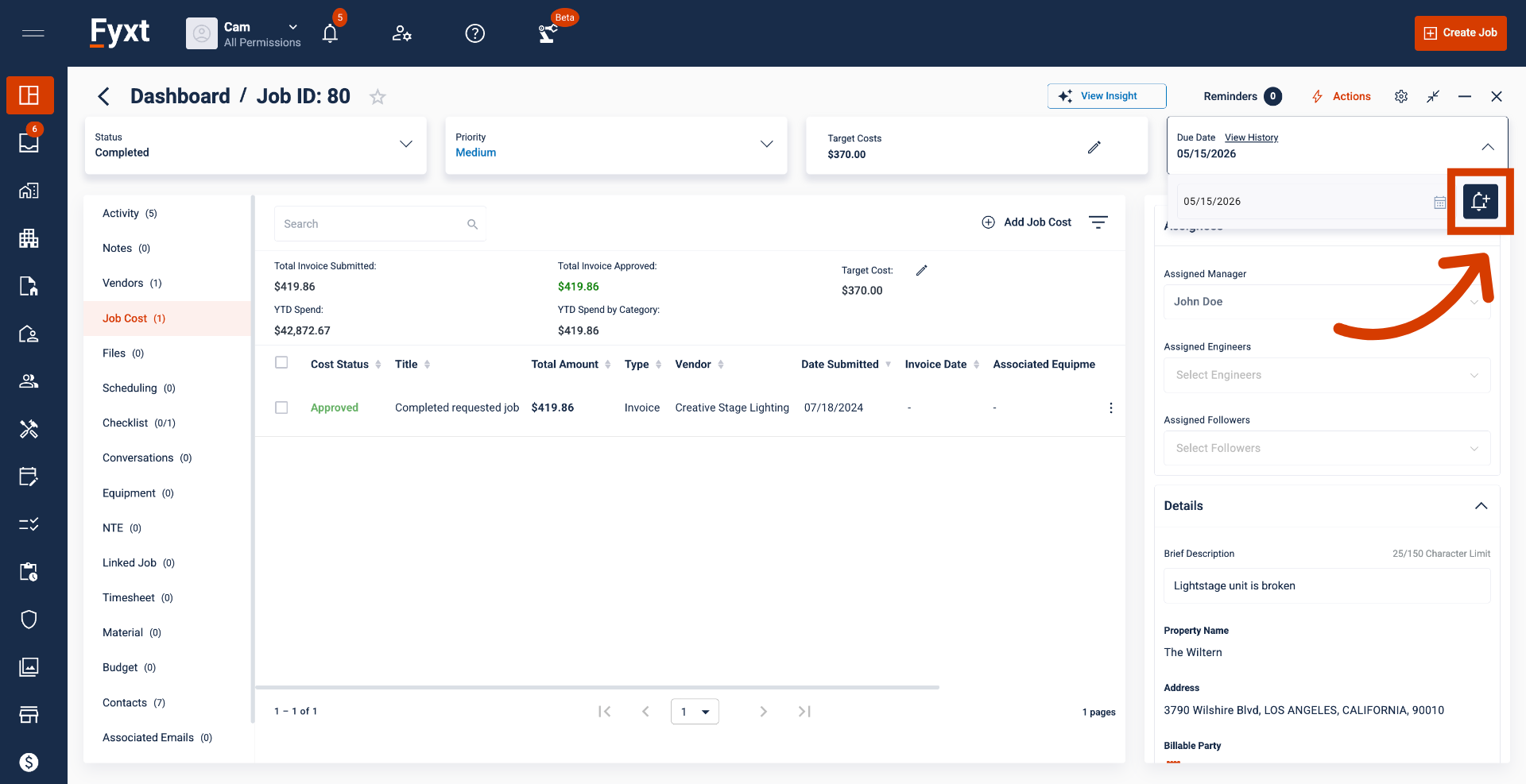
Reminders are available for all Date fields in Jobs, which includes Due Date, and any Custom Fields applicable to a Job. To create a new reminder, select the bell icon adjacent to the field of interest.
2. Creating a new Reminder
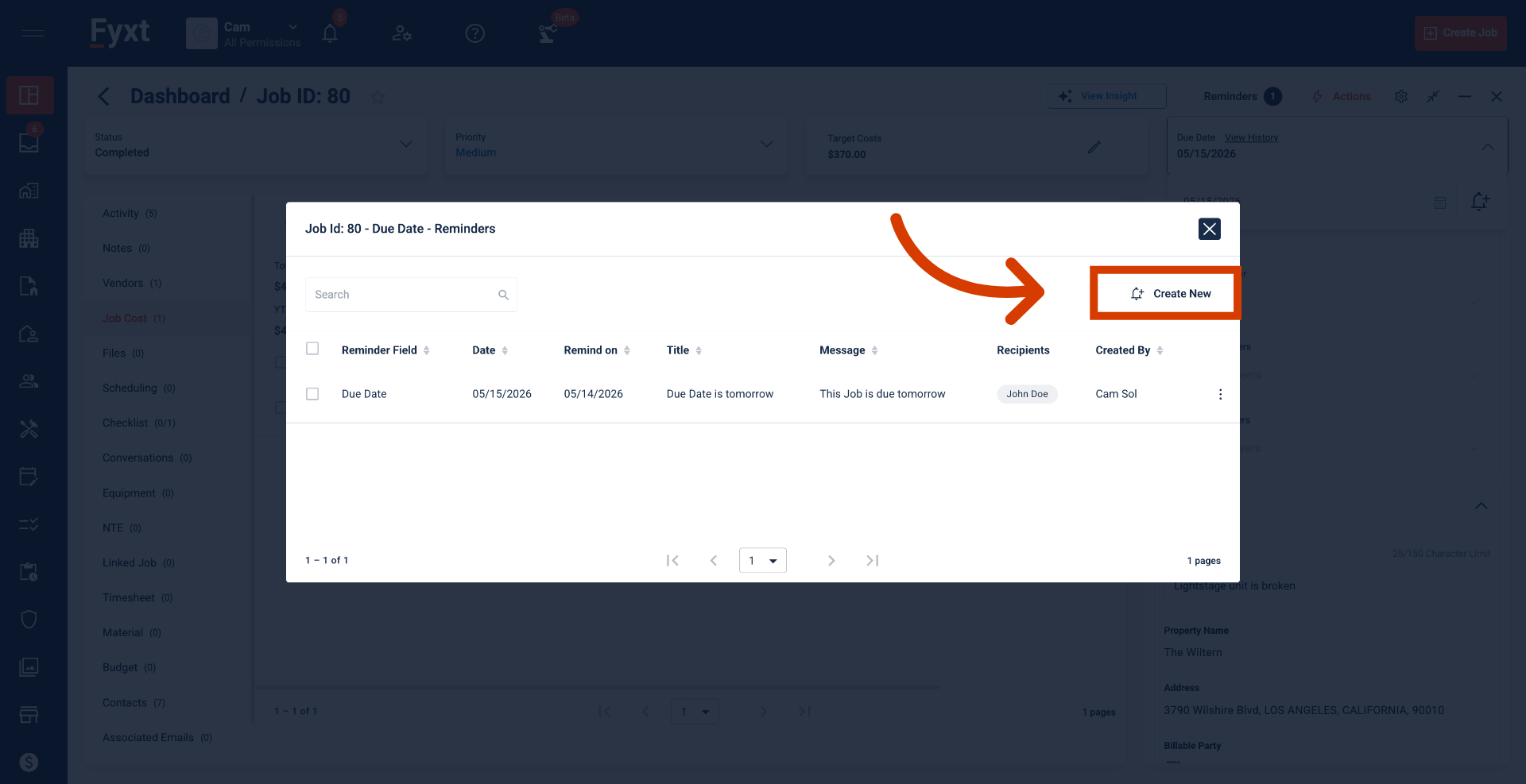
Clicking to create a new reminder opens a list of your current reminders first, ensuring you don't accidentally double up.
3. Reminder Details
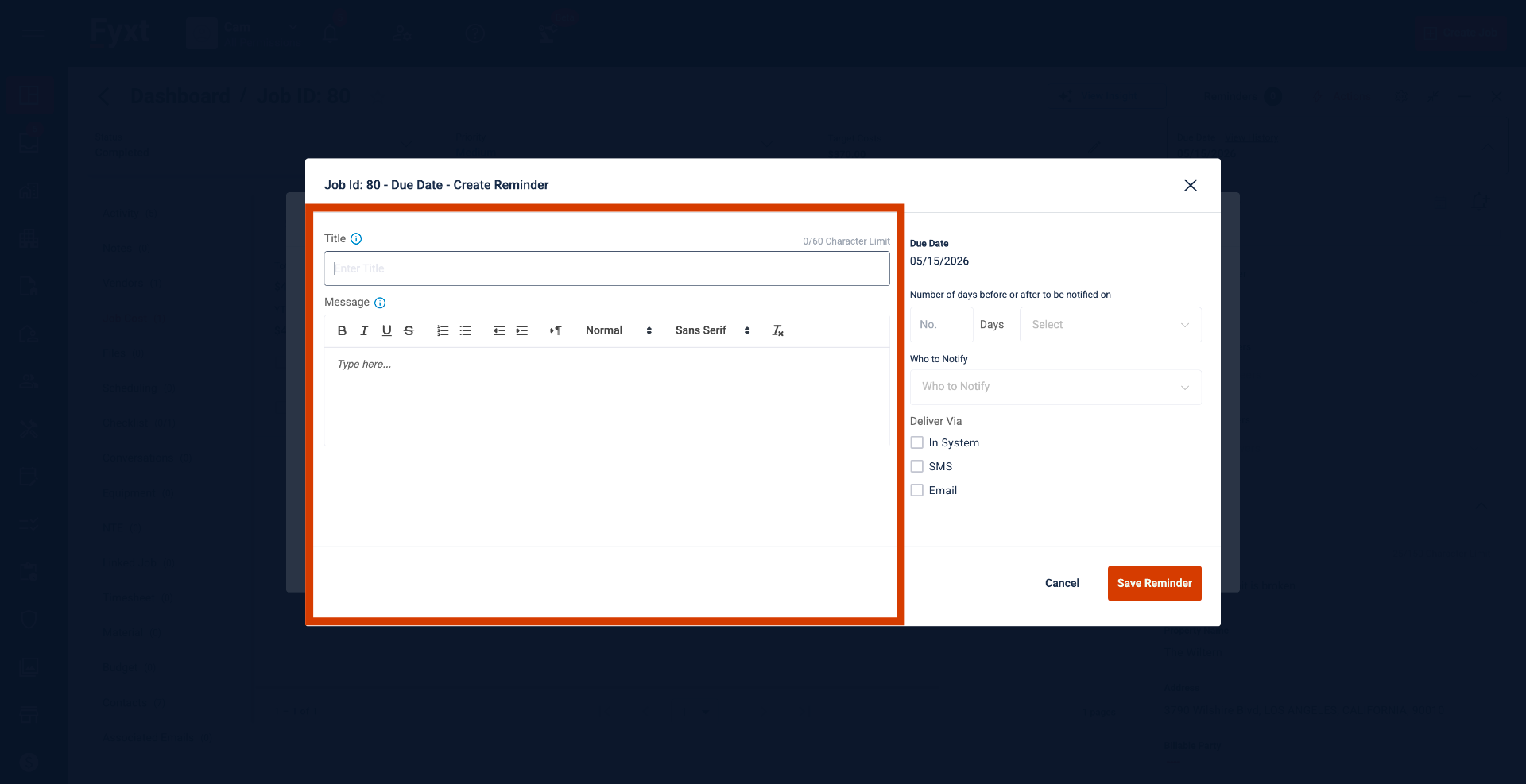
Use the left panel to title and write your reminder. Hover over the info icon to discover dynamic variables like Job ID or Property to customize your message.
4. Reminder Configurations
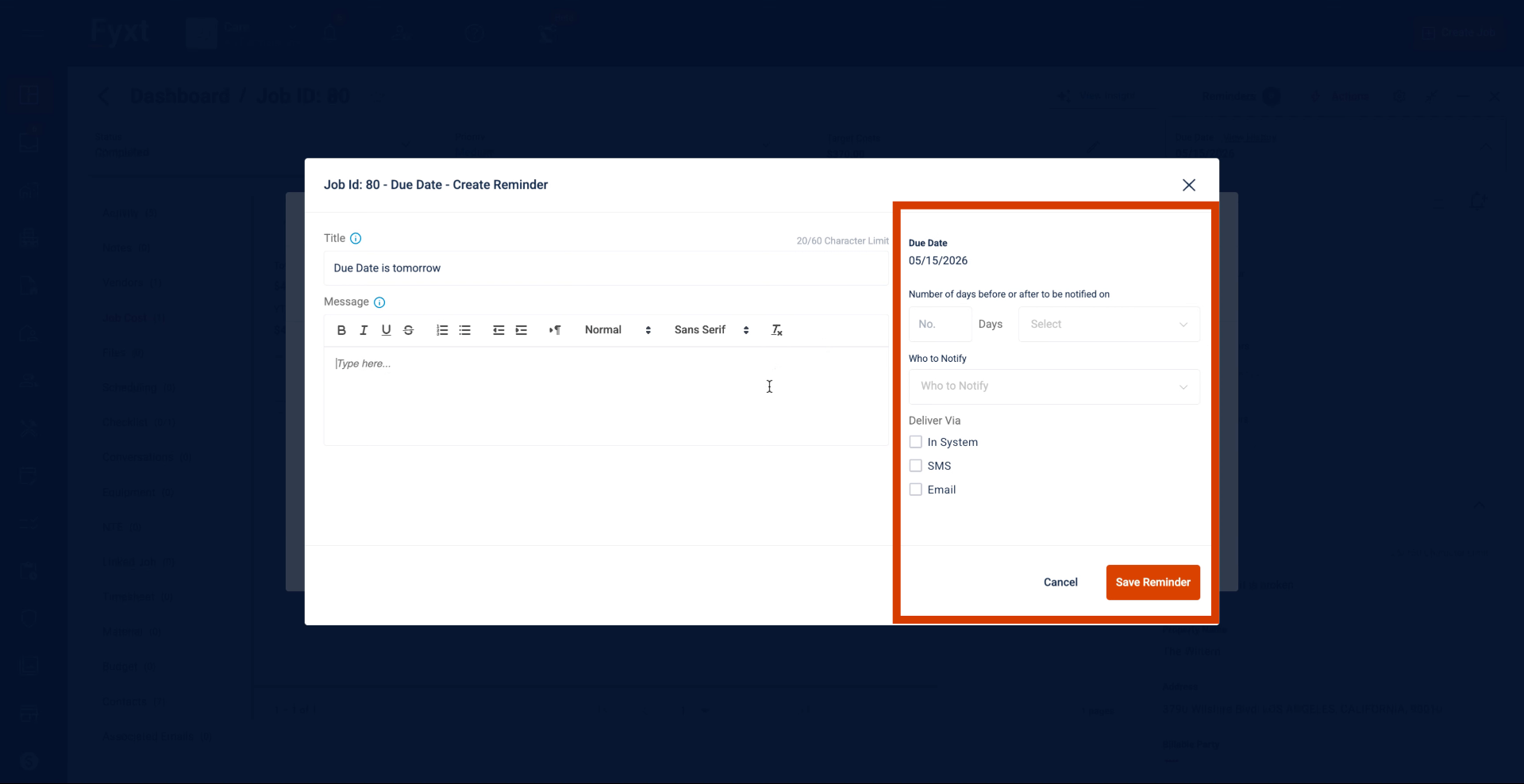
The right panel will host configuration options. You can set when the reminder will trigger, who will receive it, and how it will be delivered.
5. View All Reminders
Need to see the full list? Click here to view every reminder created for this job.